

Ever felt like the stars are keeping little secrets about you? Natal chart software reveals your cosmic story with lively, interactive charts and smooth animations. Imagine your birth details unfolding on your screen like a mini astral performance. This easy-to-use tool shows your planetary timings and personal star maps in a clear, inviting way, making astrological insights both fun and simple. Today, we'll explore how your birth details transform into sparkling insights that light up your everyday life.
Choosing the Right Natal Chart Software for Your Birth Details
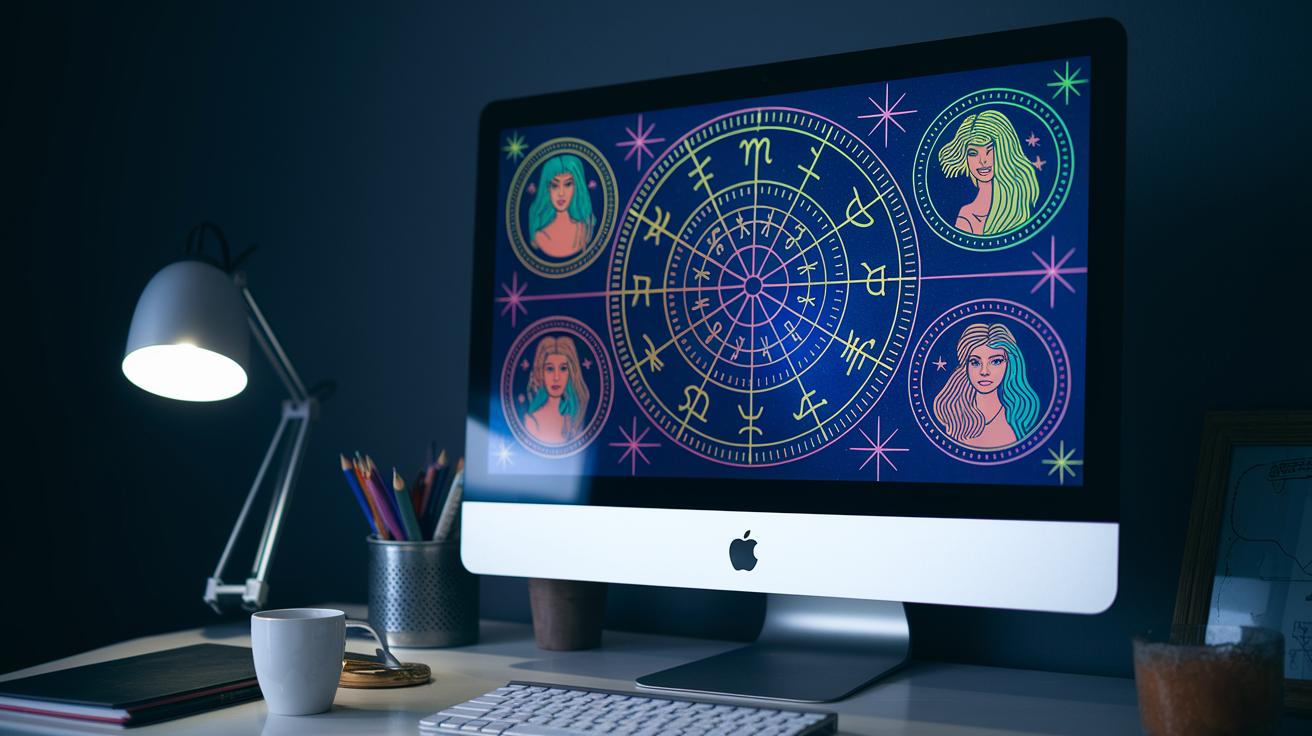
LUNA® brings your cosmic map to life with interactive charts that sparkle on your screen. The software lets you explore clickable horoscopes and enjoy animated views of your transits with uniwheel and biwheel displays. It also offers extra chart types so you can see the stars from different angles. The Ephemeris shows you exact planetary timings, like checking your watch before a special moment, while the Spacetime Navigator lets you shift your biwheels on the fly, almost as if you’re rearranging pieces of a starlit puzzle. With built-in midpoint trackers, you can easily spot those key cosmic intersections. Imagine tapping on a planet and watching your future unfold before your eyes, it’s like taking a mini cosmic tour right on your screen.
Their subscription options are simple and clear. You can start with a plan for $7.99 a month or save more by choosing an annual plan. Once you sign up, you’re automatically enrolled in a loyalty program that locks in your rate so there are no surprises on your bill. There’s no hidden trial period either, and if you ever want to take a break, canceling is a breeze. Plus, all your updates happen right in your browser, keeping your charts up-to-date without extra installations. It’s a safe and dependable way to keep all your cosmic data in one secure place.
They also offer both free and paid subscriptions, each with its own charm. The free natal chart report page gives you access to additional chart types without any sign-ups, offering a sneak peek into the service. However, if you want the full interactive experience with all the dynamic features, the paid version opens a deeper window into your personal astrological canvas.
| Feature | Description |
|---|---|
| Interactive Charts | Clickable horoscopes, animated uniwheel and biwheel transit views |
| Data Tools | Ephemeris, Spacetime Navigator, midpoint trackers |
| Subscription Options | Starts at $7.99/month with annual plans and a loyalty program |
Navigating Interface and Customization Options in Natal Chart Software

LUNA® is your personal guide to the stars, making astrology feel like a friendly stroll through a cosmic park. It brings interactive charts to life so you can tap on glowing celestial spots and get instant, easy-to-grasp insights about where the planets are and what they might mean for your journey. Every time you click, it's like unwrapping a small secret about your astrological blueprint, revealing details about planetary positions and the houses they light up.
The design is clean and inviting, making it feel like chatting with a wise friend. The profiles are managed with simple workflows, helping you save and revisit your astrological moments without any hassle. Imagine it as a friendly cosmic map that quietly guides you through a complex universe, keeping things straightforward and never overwhelming.
Customizing your experience takes things even further. With just a simple switch, you can change the color theme to match your mood, whether you’re drawn to a cool, refreshing glow or a warm, cozy light. You can easily jot down private notes or create shareable messages, neatly tagging your profiles to keep your chart history in order. There’s even a fun twist with animated visuals like the uniwheel and biwheel, showing your celestial data in real time, right from your browser without the need for big installations.
All these features come together to make LUNA® a flexible, easy-to-use tool that feels as personal as a handwritten note from the universe. It’s designed to adapt to your cosmic journey, letting you explore the stars on your own terms while feeling right at home under their gentle glow.
Deep Dive into Astrological Calculation Engines for Natal Chart Software

At the core of LUNA® sits an Astral data engine that does much more than simply mark where the planets are. It uses modern algorithms in its Ephemeris module (a tool that tracks where celestial bodies are at any moment) to crunch numbers with speed and care. This means you get those cosmic positions calculated precisely, almost like a stargazer’s dream come true.
Next, the Spacetime Navigator turns these numbers into a gentle, animated dance by smoothly moving biwheels that show how the planets glide across the sky in real time. Have you ever watched the soft glow of early morning starlight? That’s the kind of magic it brings to your natal chart.
Plus, an inventive midpoint tracker finds those little crossings between planets that a still picture might miss. All this data is handled in the cloud, where it gets updated continuously with the latest astronomical observations. So, whenever you check your chart, it reflects the sky right now, just like a whisper from the universe.
LUNA® also uses parallel data streams and finely tuned calculation engines that help reduce delays and give you real, up-to-the-second astrological insights. Imagine it as a super-smart guide that updates each planetary move in a flash, ensuring your chart is as lively and accurate as a conversation under a starry sky.
Breaking Down Pricing Plans and Subscription Details for Natal Chart Software

Paying for your cosmic insights is super simple. You can choose a monthly plan for $7.99, or if you prefer a little extra savings, pick an annual plan paid all at once. Think of it like having a daily dose of starlight that brightens your mood every day.
We don't offer a free trial, but you’re free to cancel whenever you need. Imagine turning off your favorite radio station, it's your choice, and once you cancel, refunds aren’t part of the mix.
All the latest features beam directly to your browser, so there's no need to download updates or pay extra fees. It's like stepping into the gentle glow of a sunrise every time you log in, with everything updated and ready to inspire you.
Step-by-Step Guide to Generating and Interpreting Natal Charts with Software

For those who already know the basics, here are a few friendly pointers to help you dive deeper into your chart. Start by entering your correct birth details. Make sure your data is spot on and even try out small tweaks (like switching up the time zone) to see how minor changes can nudge your chart's look. Even a few extra minutes can shift planetary placements in surprising ways.
Next, really explore the interactive chart. Instead of sticking with the default view, play around with the ecliptic diagram to uncover hidden layers of energy. Try toggling between different views to spot patterns that might mirror your inner rhythms.
Now, take a closer look at the details. Click on the planetary markers to see how the houses (that is, different parts of your life) and aspects (the energy connections) work together. Zoom in on clusters to catch subtle connections between zodiac signs and planetary positions, and notice how these small details come together in your personal cosmic blueprint.
Finally, don’t forget to record your custom settings. Saving different views lets you compare how little tweaks can lead to different insights. It’s like keeping snapshots of your chart so you can look back and see unique patterns over time.
Reading your chart is a bit like chatting with the stars about your life's journey. Each house holds its own story, and the positions of the planets whisper clues about your energy. For a deeper explanation, check out the guide on how to read a natal chart at the link provided.
Ensuring Data Accuracy and Privacy in Natal Chart Software

Before you dive in, you'll need to agree to the Terms of Use and Privacy Policy. It’s a simple step that keeps your cosmic data safe. When you enter your birth details, only the essentials are asked for. You can even use a nickname or an initial if you’d rather keep things private. It’s like sharing a little secret with the universe while keeping your personal info hush-hush.
To handle those tricky time quirks, the software includes a "Time Zone Not Sure" field. This clever feature lets you adjust for unusual time details with a small nudge, a simple number tweak, much like setting your clock just right. This way, your natal chart stays spot on, aligning smoothly with the flow of the stars.
There’s more: a free report page lets you explore extra chart types without any need to register. This bonus tool makes checking out the geocentric pattern reader (a tool that shows how the Earth sits in relation to the universe) and the nebular data analyzer (which helps sort out glow-like cosmic data) even easier. It’s a relaxed, friendly system that respects your need for both privacy and precision on your cosmic journey.
Final Words
In the action, the guide walked through choosing the right natal chart software, highlighting interactive chart views, core data tools, and subscription tiers. It also shared how to personalize charts with theme switching, note-adding, and easy tag management while explaining precise planetary calculations and seamless cloud updates.
All parts connect to show you a clear path from an initial free report to a deeper, paid experience. It leaves you with a sense of clarity and confidence as you explore your unique cosmic blueprint.
FAQ
Frequently Asked Questions
What is the best professional astrology software?
The best professional astrology software provides interactive, clickable charts and reliable planetary data. Top choices for PC and Windows include Solar Fire and other advanced tools that help astrologers read birth details with ease.
Is there astrology software available for free download?
Free astrology software is available, offering interactive charts and basic interpretations. Some tools provide a free birth chart report page, while paid versions include added features and more detailed analysis.
Which software do astrologers use?
Astrologers typically use programs like Solar Fire or Astro Gold. These tools offer precise data engines, interactive charting, and intuitive interfaces that help clarify astrological patterns in birth details.
What is the difference between Astro Gold and iPhemeris?
Astro Gold and iPhemeris differ in layout and functionality. Astro Gold is known for its user-friendly design and ease of use, while iPhemeris focuses on detailed computational features and complex charting options.
Is AstroMatrix free?
AstroMatrix is offered at no cost, though its free version may have some feature limits compared to subscription-based software. It still delivers interactive charts and basic interpretations for personal use.
What astrology software does Chris Brennan use?
Chris Brennan uses high-quality astrology software known for its precise calculation engines and interactive visualizations. His choice often includes tools like Solar Fire for detailed chart interpretations and real-time data.